Video editing is one of the most immediately employable skills in the current content economy. Social media platforms, OTT services, brands and agencies all maintain continuous demand for editors who can work fast and deliver clean, professional output. A video editing course in Pune covers the full range — from understanding the basics of a timeline to building the kind of structured workflow that professional editors use on actual productions. This blog explains that journey stage by stage, so you know exactly what you are signing up for and what you will be able to do when you finish.
Editing Basics — What You Learn Before Touching Software
Good editing is a language before it is a technical skill. The early part of a video editing course in Pune covers the conceptual side: what makes a cut work, how pacing affects viewer attention, why shot order matters and how to read a script or storyboard before sitting at the timeline. Students who build this conceptual foundation edit faster and make fewer structural mistakes than those who jump straight into software. Skipping this stage is one of the most common errors self-taught editors make — and it shows in the work.
The Timeline — Your Primary Workspace
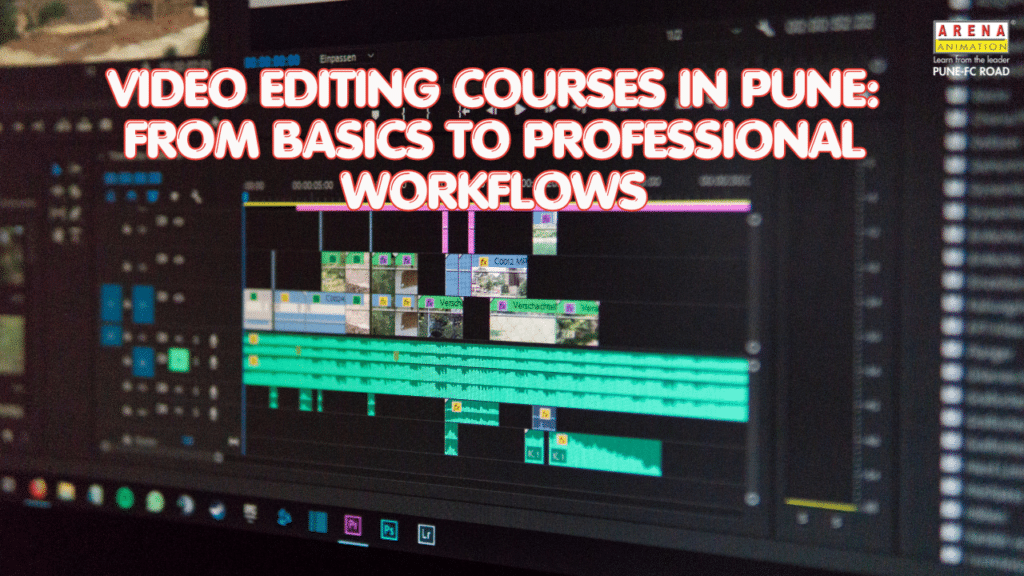
The timeline is where every editing decision happens. Video editing training in Pune covers the following core timeline skills:
- Importing and organising footage in bins or project folders
- Setting up sequences — resolution, frame rate, aspect ratio
- Basic track management — video tracks, audio tracks, effects tracks
- In/Out points and source-record editing workflow
- Keyboard shortcut discipline — the difference between a slow and a fast editor
Adobe Premiere Pro is the primary tool in most editing courses in Pune. DaVinci Resolve is introduced at the colour correction stage. Students are expected to build speed on the timeline, not just accuracy.
Cuts and Transitions — The Grammar of Editing
Not all cuts are the same. This module covers the types of cuts professional editors use and when each is appropriate:
- Hard cut — the standard, most-used cut. Clean and invisible when timed correctly.
- J-Cut and L-Cut — audio leads the visual or continues past it, creating flow between scenes.
- Match cut — cuts on similar framing or movement to maintain continuity.
- Jump cut — deliberate temporal ellipsis used in YouTube, documentary and social media content.
- Cross cut / parallel editing — alternating between two simultaneous events.
Transitions — dissolves, wipes and motion transitions — are covered as stylistic tools with clear guidance on when they help versus when they distract. Every cut type has a context in which it is the right choice.
Sound Design — Why Audio Makes or Breaks an Edit
Most beginner editors underestimate audio. Professional editing courses in Pune dedicate substantial time to sound because audiences accept imperfect visuals far more readily than bad audio. This module covers:
- Audio levels and normalisation — matching volume consistently across clips
- Background music selection and ducking — reducing music under dialogue
- Sound effects — adding foley and ambient sound to increase production value
- Voiceover recording and clean-up — removing room noise and breath artefacts
- Dialogue sync — matching audio precisely to on-camera performance
Tools used in this module include Adobe Audition at a basics level, alongside the audio tools built into Premiere Pro.
Colour Correction and Colour Grading
Two distinct processes that are regularly confused: colour correction fixes technical problems — white balance errors, exposure inconsistencies, skin tone accuracy. This is always done first. Colour grading applies a stylistic look — cinematic warmth, cool noir, high-contrast drama. This is creative, not corrective.
Video editing training in Pune at Arena Animation FC Road covers both processes using Premiere Pro’s Lumetri colour tools and DaVinci Resolve, which is the professional industry standard for colourists. Students apply correction and grading to real footage sequences, not sample stills. The distinction between the two processes — and the order in which they are done — is fundamental to professional post-production workflow.
Building Real Projects — The Bridge to Professional Work
Theoretical editing skills only become hireable skills when applied to actual projects. The project component of a video editing course in Pune includes:
- Short film edit — multi-camera interview or narrative footage
- Brand commercial or product video — shorter, punchier, branding-driven edit
- Social media content cut — vertical format, fast-paced, platform-specific pacing
- Documentary segment — interview-led storytelling with b-roll and music
Each project is reviewed by faculty and refined through feedback, simulating the revision cycle of a real production environment. This is where the technical skills built in earlier modules get pressure-tested.
What Career Paths Open After a Video Editing Course in Pune?
Graduates from a structured video editing course in Pune have clear pathways into the following roles:
- Video Editor at an advertising or media production agency
- Content Editor for a brand’s in-house video team
- Post-Production Editor on film, OTT or TV projects
- YouTube or social media video editor for creators and brands
- Freelance editor working across multiple clients simultaneously
Frequently Asked Questions
What does a video editing course in Pune cover? A structured editing course in Pune covers timeline fundamentals, cuts and transitions, sound design, colour correction and real project workflows using Adobe Premiere Pro and DaVinci Resolve.
How long is a video editing course in Pune? Duration varies by programme level. Standalone editing modules typically run 3–6 months. When part of a broader post-production programme — such as the Advanced Program in VFX Compositing and Editing (12 months) — the duration extends accordingly.
Is video editing training in Pune suitable for beginners? Yes. Most courses start from absolute basics with no prior software knowledge required. Arena Animation Pune structures video editing training in Pune to build skills progressively from fundamentals to professional-level workflows.
What software is taught in a video editing course in Pune? Adobe Premiere Pro is the primary tool. After Effects is introduced for motion graphics. DaVinci Resolve is covered for professional colour grading and finishing.
In Conclusion
Editing is a skill that compounds — the more structured your training, the faster your output quality improves. A well-designed video editing course in Pune does not just teach you where buttons are; it builds the editorial instinct that makes your cuts feel intentional. Arena Animation FC Road offers editing training through programmes including the Advanced Program in VFX Compositing and Editing (12 months) and the Advanced Program in Animation and VFX (21 months), all structured with industry mentors, hands-on project work, flexible scheduling and placement support.
Build a professional editing skillset from the ground up. See the video editing course in Pune at Arena Animation — modules, duration and placement details. Speak with an admission counsellor today.